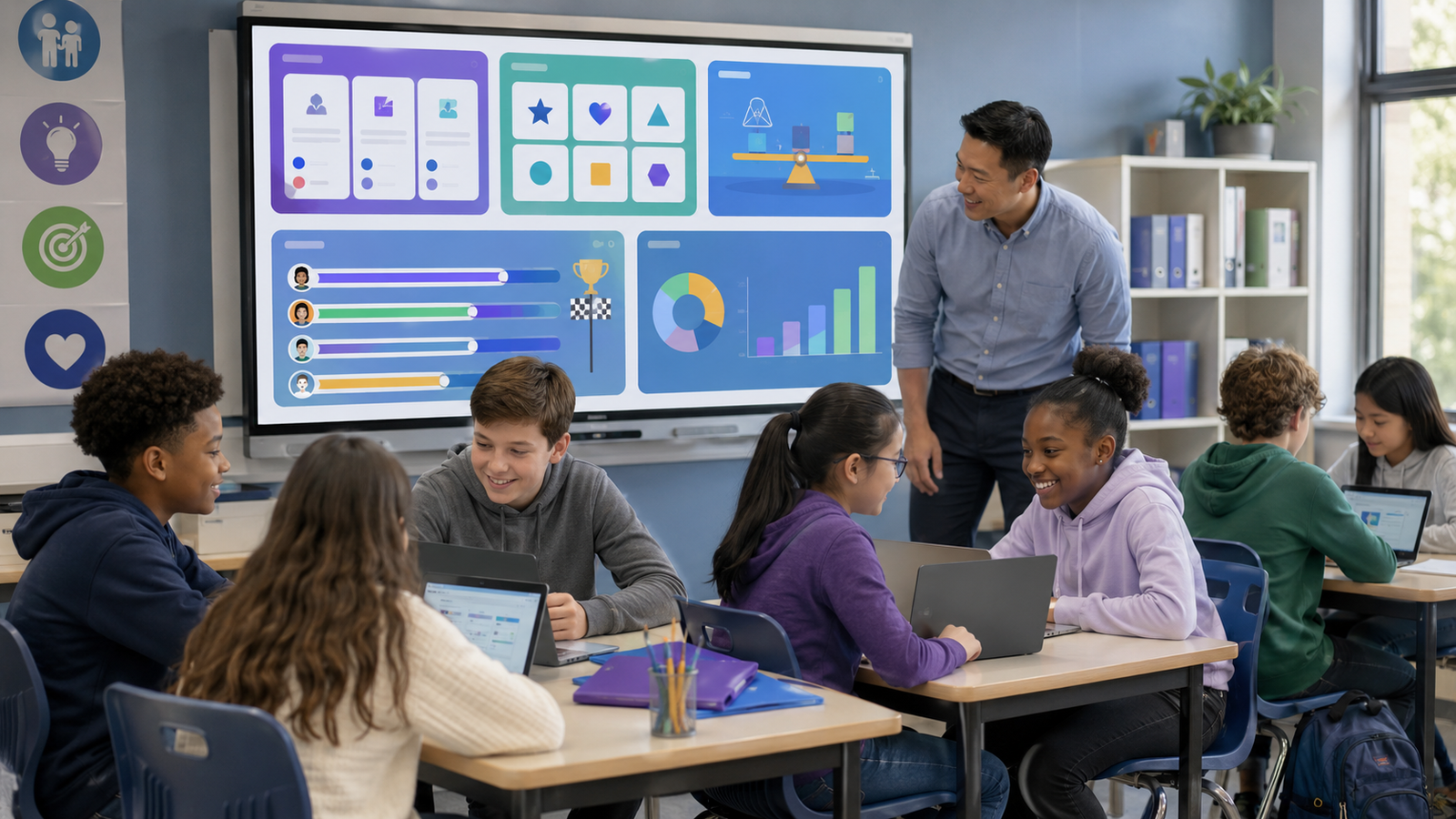
Blooket has become a classroom tool because it turns ordinary question sets into colorful competitive games. Students answer questions while collecting rewards, completing challenges and competing with classmates. This combination makes review sessions feel like tests and more like play.
However Blooket is not the option available. Teachers may need assessment reports, collaborative activities, printable games, subject-specific practice or a platform that works without individual student devices. That is where other Blooket like games become useful.
The best alternative depends on what you want students to do. Gimkit offers strategy-based gameplay, Kahoot! works well for whole-class quizzes Wayground supports detailed assessment and Quizlet Live is especially effective for vocabulary. Tools such as Baamboozle and Plickers can even be used when students do not have their devices.
This guide compares 12 of the games like Blooket, explains their strengths and provides practical advice for choosing the right platform for your classroom.1
Quick Comparison of the Best Blooket Alternatives
| Platform | Best For | Main Activity Style | Student Devices Needed? | Independent Practice |
| Gimkit | Strategy-based review | Arcade-style live games | Yes | Available |
| Kahoot! | Fast whole-class quizzes | Timed quiz competition | Yes | Available |
| Wayground | Assessment and differentiation | Live or student-paced quizzes | Yes | Available |
| Quizlet Live | Vocabulary and definitions | Team or individual matching | Yes | Limited to supported modes |
| Baamboozle | Low-tech group review | Team game on one screen | No | Not its main purpose |
| Wordwall | Digital and printable activities | Matching, sorting, quizzes and puzzles | Optional | Available |
| Nearpod | Interactive lessons | Games within teacher-led lessons | Yes | Available |
| Socrative | Formative assessment | Quizzes, polls and team races | Yes | Available |
| Factile | Jeopardy-style review | Team quiz board and buzzers | Optional | |
| Educaplay | Variety of activity formats | Puzzles, quizzes and matching games | Usually | Available |
| Plickers | Device-free student responses | Printed response cards | No student devices | Not its main purpose |
| 99math | Math fluency practice | Multiplayer math competition | Yes | Available |
Why Look for Games Like Blooket?
According to its official help center Blooket offers more than 25 modes across live, solo and homework play. It also lets teachers create question sets or select material from a public library. These features make it flexible. No single classroom platform fits every learning goal.
A teacher might look for an alternative because they need:
- detailed performance reports
- Greater control over the pace of each question
- Collaborative rather than individual competition
- Open-ended or drawing-based responses
- Printable versions of online activities
- Games that work without student phones or laptops
- Better support for vocabulary or math practice
- A presentation tool that combines instruction and assessment
- A calmer experience for students who dislike timed competition
Using more than one platform can also prevent novelty from wearing off. When students play the format every week they may focus less on the questions and more on repeating familiar strategies. Rotating between two or three selected tools can keep review sessions fresh without making classroom routines confusing.
1. Gimkit: Best Overall Blooket Alternative
Gimkit is one of the alternatives to Blooket. Students answer questions to earn resources they can use during the game. Depending on the selected mode they may purchase upgrades, explore an environment, cooperate with teammates or compete against other players.
The added strategy separates Gimkit from a multiple-choice quiz. Students must decide how to use what they earn. Success is not always based only on answering quickly.
Why teachers may prefer Gimkit
- Gameplay includes strategy and decision-making.
- Kits can be used for classroom review.
- Practice links allow students to study independently.
- Reports are available for games and assignments.
- KitCollab allows teachers and students to contribute questions.
Gimkit works well with upper-elementary, middle school and high school students who enjoy longer, more active game sessions. Its free plan rotates a selection of modes while full access requires a paid plan.
Example: Create a kit covering cell structures. After the game review the three questions with the correct-response rates instead of simply announcing the winner.
2. Kahoot!: Best for Whole-Class Quizzes
Kahoot! is a strong choice for teachers who want a familiar easy-to-launch quiz competition. Students join with a game code. Answer from their devices while questions and results appear on a shared screen.
The platform supports classroom play, remote participation, independent challenges, different question formats and post-game reports. Its large public library can reduce preparation time although teachers should always check quizzes before using them.
When Kahoot! works
Kahoot! is particularly effective for:
- Lesson openers
- Five-minute knowledge checks
- Vocabulary review
- Exam preparation
- School events and trivia competitions
- End-of-lesson recap activities
Kahoot! emphasizes speed and shared excitement more than assessment-focused tools. That energy can be useful. Teachers should avoid making every question a race. Provide time for reading, calculations and thoughtful decision-making.
3. Wayground: Best for Assessment and Differentiation
Wayground formerly known as Quizizz combines gamified activities with assessment. Teachers can run sessions, assign independent work review performance reports and create different learning resources within one platform.
Live sessions can be teacher-led, with the whole class moving or student-paced allowing learners to answer at different speeds. That flexibility makes Wayground useful for mixed-ability classrooms.
Key advantages
- Live and student-paced delivery
- Automatic grading
- Homework and independent practice
- Detailed performance reports
- question and activity formats
- Options for adjusting resources to different learner needs
Wayground is a good choice when academic data matters as much as student excitement. For example a teacher can use a game as a pre-assessment, group students according to the results. Then provide targeted follow-up practice.
4. Quizlet Live: Best for Vocabulary and Terminology
Quizlet Live turns Quizlet study sets into classroom activities. Students match terms with definitions either in teams or as individuals.
In team mode students must communicate because each player may see possible answers. That structure encourages discussion rather than allowing one confident student to complete every question alone.
Best subjects for Quizlet Live
- Foreign-language vocabulary
- Scientific terminology
- people and events
- Literary terms
- Geography
- Definitions and key concepts
- Test preparation
Quizlet Live is more like an arcade game than Blooket but it is excellent for repeated retrieval practice. It is most valuable when students must build connections between terms, meanings, examples or images.
5. Baamboozle: Best for Playing Without Student Devices
Baamboozle is designed for whole-class gaming from one shared screen. Students can play in teams while the teacher controls the game from a computer and projector.
This setup solves common classroom problems. Students do not need accounts, phones, tablets or laptops. The teacher can also pause the game at any time to discuss an answer or correct a misconception.
Why Baamboozle stands out
- One classroom screen is required.
- Students work together in teams.
- Setup is simple.
- A large library of teacher-created games is available.
- The format supports conversation and oral answers.
- It works well with students and language learners.
Baamboozle is particularly useful when the goal is group discussion rather than individual performance tracking. It can also reduce off-task device use because students keep their attention on the shared display.
6. Wordwall: Best for Digital and Printable Activities
Wordwall allows teachers to create quizzes, matching games, flashcards, sorting tasks, word activities and many other interactive formats. Many templates can also be converted into printable worksheets.
That digital-to-print flexibility makes Wordwall different from Blooket-like games. A teacher can introduce a topic on a whiteboard, share the activity for individual practice and then print a related version for a learning station.
Useful Wordwall activity types
- Match up
- Group sort
- Missing word
- Random wheel
- Flashcards
- Labelled diagrams
- Complete the sentence
- True-or-false quizzes
Wordwall is a choice for elementary education, language teaching, special education and classrooms using learning stations. Its visual activities are also helpful when a standard text-heavy quiz would not suit the lesson.
7. Nearpod: Best for Games Within Complete Lessons
Nearpod is more than a quiz-game platform. It lets teachers combine presentation slides, videos, polls, drawing activities, collaborative boards, quizzes, matching tasks and games within a lesson.
Its main game, Time to Climb turns multiple-choice questions into a race up a mountain. Teachers can view responses in time and pause between questions to discuss misunderstandings.
Choose Nearpod when you need to:
- Teach and assess within one lesson
- Alternate between explanation and participation
- Collect drawn or written responses
- Run live or student-paced lessons
- Check understanding throughout instruction
- Keep students in one environment
Nearpod is a better fit than Blooket when the game is one part of a structured lesson rather than the entire activity. It is particularly useful for introducing material because teachers can place checks for understanding between instructional sections.
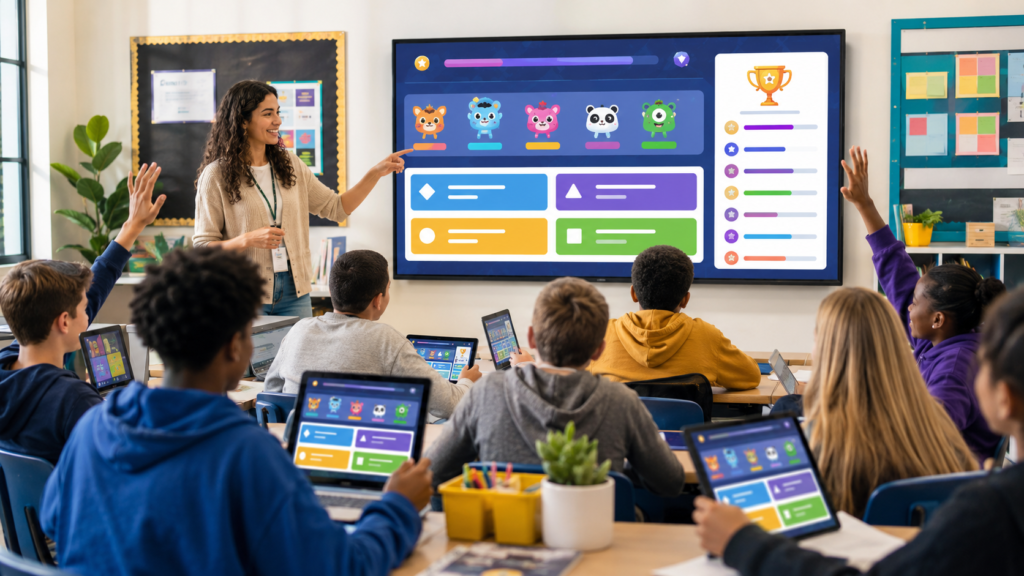
8. Socrative: Best for Formative Assessment
Socrative focuses on real-time assessment while still offering a game format. Teachers can create quizzes, collect responses, run polls, use exit tickets and review class or student-level results.
Its Space Race mode turns an activity into a visual competition. Students can participate individually or, in teams with correct answers moving their selected icon across the screen.
Why use Socrative?
Socrative is useful when teachers want assessment details without losing student involvement in the classroom. The insights at the question level can show which topics need to be taught
A real-life lesson plan could be something like this:
- Begin with a diagnostic quiz.
- Teach the idea.
- Do a Space Race for practice.
- End with an exit ticket.
Look at the results to get ready for the lesson.
This method keeps the game linked to teaching, making it feel like a separate prize.
9. Factile: Best for Jeopardy-Style Review
Factile is an online Jeopardy-style game maker. Teachers organize questions by category and value, divide students into teams, and manage the game from a central board.
The platform includes automatic scorekeeping and virtual buzzer options. It also supports several formats, including Jeopardy-style play, Quiz Bowl, multiple choice, flashcards, and memory matching.
Best uses for Factile
- Unit review
- Midterm and final exam preparation
- Team-building activities
- Staff training
- Historical or literary categories
- Mixed-topic revision
Factile creates more face-to-face discussion than many individual-device games. Teams must choose categories, agree on answers, and respond strategically. Teachers can also ask follow-up questions to explore why an answer is correct.
10. Educaplay: Best for Activity Variety
Educaplay offers a wide selection of educational game formats, including crosswords, word searches, matching pairs, map quizzes, video quizzes, fill-in-the-blank tasks, dictation, memory games, and Froggy Jumps.
This variety allows teachers to match the activity to the skill being taught. A map quiz makes sense for geography, dictation supports listening and spelling, and matching pairs work well for vocabulary or classification.
How to use Educaplay effectively
Avoid selecting an activity only because it looks entertaining. Start with the learning task:
- Use a crossword for recalling important terminology.
- Choose a map quiz for identifying locations.
- Use dictation for listening accuracy.
- Select matching pairs for concepts and examples.
- Create a video quiz for comprehension checks.
- Use Froggy Jumps for quick multiple-choice review.
Educaplay is useful for teachers who want more format choices than a standard quiz platform provides.
11. Plickers: Best When Students Lack Devices
Plickers allows teachers to collect student answers by scanning printed cards. Each card can be rotated to show a selected answer. The teacher scans the room with a phone or tablet, and the system records the responses.
Students do not need accounts or electronic devices. Only the teacher requires a connected device.
Plickers is ideal for:
- Classrooms with limited technology
- Younger learners
- Quick multiple-choice checks
- Lessons where phones are not allowed
- Reducing login and connection problems
- Collecting an answer from every student
Plickers does not provide the same arcade-style experience as Blooket, but it solves an important access problem. It also allows quieter students to respond without having to speak in front of the class.
12. 99math: Best for Math Fluency
99math is a multiplayer platform built specifically for mathematics. Students join live group games with a code and solve problems while competing with classmates. Teachers can choose from a wide range of math skills and review detailed performance reports afterward.
The platform also supports individual assignments and home practice, making it useful for both classroom review and regular fluency development.
When to choose 99math
Use 99math when students need repeated practice with:
- Addition and subtraction
- Multiplication and division
- Fractions and decimals
- Number sense
- Mental calculation
- Grade-level math skills
Its focused subject coverage is both a strength and a limitation. It is not intended for history, science, or language arts, but it provides a more specialized math experience than a general quiz platform.
Which Blooket Like a Game Is the Best?
There is no single winner for every classroom. The best choice depends on your learning goal, available devices, student age, and preferred teaching style.
Choose:
- Gimkit for strategic, arcade-style review.
- Kahoot! for quick and energetic whole-class quizzes.
- Wayground for detailed reports and student-paced assessment.
- Quizlet Live for vocabulary and term-definition practice.
- Baamboozle for team games using one screen.
- Wordwall for printable and digital activity options.
- Nearpod for games within complete interactive lessons.
- Socrative for assessment-first classroom activities.
- Factile for Jeopardy-style team review.
- Educaplay for varied puzzles and activity formats.
- Plickers when students do not have devices.
- 99math for focused math fluency practice.
Before adopting a platform, test it with a small activity of five to ten questions. Check how quickly students can join, whether the text is easy to read, how useful the results are, and whether the game supports your actual learning objective.
How to Use Classroom Games Without Losing Learning Time
Games are most effective when they support instruction rather than replace it. A lively classroom does not automatically mean that meaningful learning is taking place.
1. Begin with a clear objective
Write down what students should know or do after the activity. “Review chapter four” is broad. “Identify the causes of the American Revolution and explain their effects” gives the game a clearer purpose.
2. Keep game sessions focused
A short, well-designed session is often more effective than a long game. Ten to fifteen minutes may be enough for a warm-up, retrieval exercise, or exit review.
3. Write plausible incorrect answers
Weak distractors make multiple-choice questions too easy. Use common student mistakes as incorrect options. The results will then provide useful information about misconceptions.
4. Pause for explanation
After an important question, ask students to explain why the correct answer works. A game becomes more educational when learners discuss their reasoning.
5. Balance speed with accuracy
Fast games can disadvantage careful readers, English learners, and students who need extra processing time. Extend timers when needed and include untimed or team-based activities.
6. Review performance data
Do not stop at the leaderboard. Look for questions that many students missed, patterns in individual performance, and concepts that require another example.
7. Check public content carefully
Teacher-created libraries save time, but public activities may contain incorrect answers, outdated information, or unsuitable material. Preview every question before sharing it with students.
8. Protect student privacy
Follow your school’s rules for approved educational technology. Review account requirements, data practices, age restrictions, and sharing settings before asking students to join a new platform.
Frequently Asked Questions
What is the closest game to Blooket?
Gimkit is one of the closest alternatives because it combines academic questions with interactive game mechanics, rewards, strategy, and multiple modes. Wayground and Kahoot! are strong options when quizzes and assessment are more important than arcade-style play.
Are there free games like Blooket?
Yes. Several platforms, including Kahoot!, Gimkit, Wayground, Baamboozle, Plickers, Socrative, and 99math, offer free access or a free entry plan. Available modes, participant limits, reports, and creation tools may differ between free and paid plans, so check current plan details before building a large activity library.
Which Blooket alternative works without student devices?
Baamboozle works from one shared classroom screen, while Plickers uses printed student response cards that the teacher scans with a mobile device. Both are useful in classrooms with limited technology.
What is the best Blooket alternative for vocabulary?
Quizlet Live is an excellent choice for vocabulary because students match terms, definitions, and related information. Wordwall is another good option for vocabulary activities such as matching, missing words, flashcards, and group sorting.
Which platform is best for homework?
Wayground, Gimkit, 99math, Wordwall, and Nearpod all support forms of independent or assigned practice. The best option depends on whether you need detailed assessment data, game-based repetition, a complete lesson, or subject-specific practice.
What is the best option for elementary students?
Wordwall, Baamboozle, Kahoot!, and Plickers are accessible choices for many elementary classrooms. Use large text, simple instructions, limited answer choices, and enough response time for the age group.
Can these games be used for remote learning?
Most device-based platforms can be used remotely by sharing a join code or assignment link. Kahoot!Wayground, Gimkit, Quizlet Live, Nearpod, Socrative, Wordwall, Educaplay, and 99math all provide options suitable for online participation or independent practice.
Conclusion
The growing selection of Blooket like games gives teachers more ways to make review, practice, and assessment engaging. Gimkit delivers strategic gameplay, Kahoot! creates fast whole-class energy, Wayground provides flexible assessment, and Quizlet Live strengthens vocabulary through retrieval and teamwork. Other platforms solve more specific needs: Baamboozle and Plickers reduce device requirements, Wordwall connects digital and printable practice, Nearpod places games inside full lessons, and 99math focuses on mathematical fluency.
The right platform is not necessarily the one with the most animations or game modes. It is the one that helps students practice the intended skill, gives the teacher useful information, and fits naturally into the lesson.
Start with one alternative, create a short activity, and observe how students respond. Once the routine works, build a small collection of tools for different purposes. Thoughtful variety can keep classroom games exciting while ensuring that learning remains the main goal.
Leave a Reply