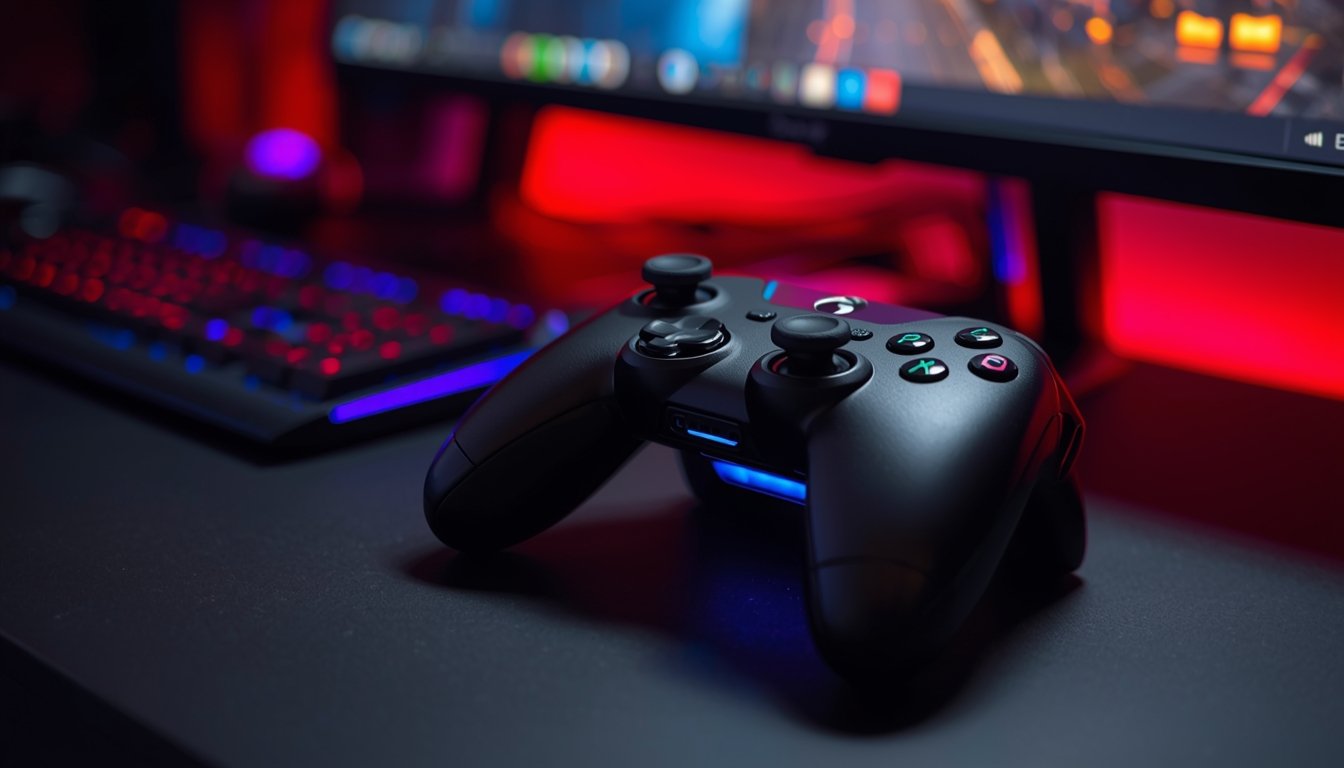
Gaming on a PC has evolved a lot, and one thing many players now prefer is a wireless game controller instead of the traditional keyboard and mouse. It’s not just about convenience — it’s about comfort and flexibility during long gaming sessions.
One of the biggest reasons is freedom of movement. With a wireless game controller, you’re not stuck sitting close to your screen. You can lean back, relax, or even play from a distance without worrying about tangled wires. This makes gaming feel more like a console experience, which many players enjoy.
Another reason is ease of use. For many games like racing, sports, or action titles, controllers feel more natural compared to keyboard controls. A wireless game controller gives smoother control, especially with analog sticks and triggers that respond better to movement and pressure.
Battery life has also improved a lot in modern controllers, so gamers don’t have to constantly worry about charging. Plus, most controllers now connect easily via Bluetooth or USB receivers, making setup quick and simple.
In short, a wireless game controller offers comfort, flexibility, and a better overall gaming experience, which is why more PC gamers are switching to it.
Key Features to Look for in a Wireless Game Controller
When choosing a wireless game controller, it’s important to know what features actually matter. Not all controllers feel the same, and the right features can make a big difference in your gaming experience.
One of the first things to check is connectivity. A good wireless game controller should have stable Bluetooth or a reliable USB receiver connection, so you don’t face lag or sudden disconnections during gameplay. Smooth connection is especially important for fast-paced games.
Next is battery life. Some controllers come with rechargeable batteries, while others use replaceable ones. A long-lasting battery means fewer interruptions, which is always a plus during long gaming sessions.
Another important feature is ergonomics. The controller should feel comfortable in your hands, especially if you play for hours. Button placement, grip, and weight all play a role in how enjoyable the controller feels.
You should also look at compatibility. A good wireless game controller should work easily with your PC and support different games without extra setup.
In the end, the right features ensure that your controller not only works well but also makes your gaming smooth and enjoyable.
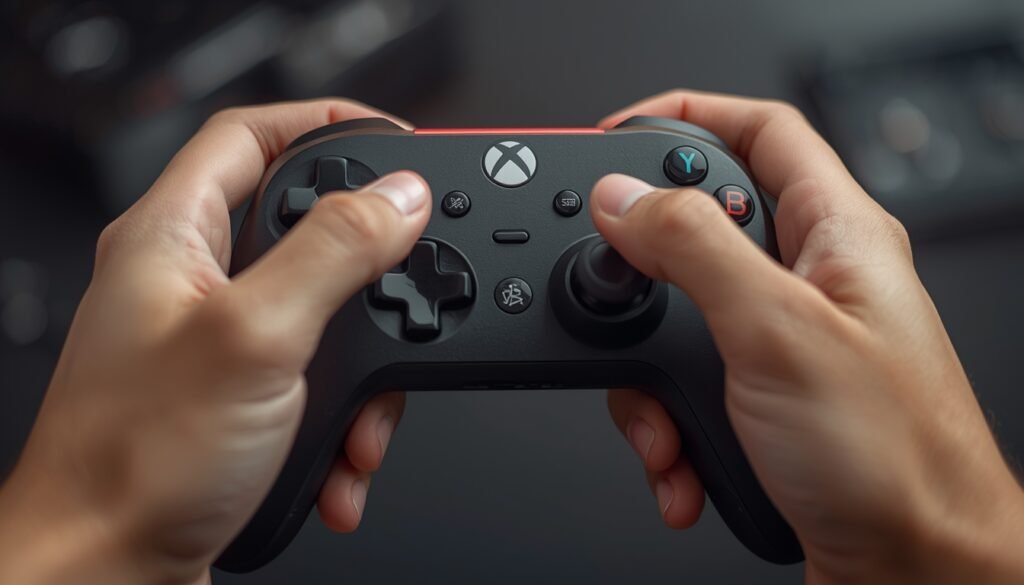
Using a wireless game controller for PC gaming comes with several benefits that make the overall experience more enjoyable. One of the biggest advantages is comfort. Unlike a keyboard and mouse setup, a controller allows you to sit back, relax, and play in a more natural position.
Another benefit is better control in certain games. For genres like racing, sports, and action games, a wireless game controller provides smoother movement thanks to analog sticks and pressure-sensitive triggers. This gives players more precision compared to keyboard inputs.
Portability is also a big plus. You can easily carry a wireless game controller anywhere and connect it to different devices without dealing with cables. This makes it perfect for gamers who like flexibility or play on multiple systems.
Additionally, modern controllers offer features like vibration feedback, customizable buttons, and improved responsiveness, which enhance the gaming experience even more.
Overall, a wireless game controller makes PC gaming more comfortable, flexible, and immersive, especially for players who prefer a console-like feel.
Popular Types of Wireless Game Controllers for PC
When looking for a wireless game controller, you’ll notice there are different types available, and each one offers a slightly different experience. Choosing the right type depends on your gaming style and personal preference.
The most common option is the console-style controller, like those inspired by Xbox or PlayStation designs. These are widely used because they feel familiar, comfortable, and work well with most PC games. Many gamers consider this type the go-to wireless game controller for everyday use.
Another type is the pro or customizable controller. These come with extra buttons, adjustable triggers, and advanced settings. They are ideal for competitive players who want more control and precision in their gameplay.
There are also compact or budget controllers, which are smaller and more affordable. While they may not have all advanced features, they still work well for casual gaming and basic use.
Some gamers even go for retro-style controllers for classic games, giving a nostalgic feel while still being wireless and modern.
In the end, the best wireless game controller is the one that matches your comfort level and gaming needs.
How to Connect a Wireless Game Controller to PC
Connecting a wireless game controller to your PC is usually simple, but knowing the right method makes things smoother. Most modern controllers support Bluetooth, which is the easiest way to connect.
First, turn on your controller and put it into pairing mode. Then go to your PC’s Bluetooth settings, search for devices, and select your wireless game controller. Within a few seconds, it should connect and be ready to use.
If your controller comes with a USB receiver (dongle), the process is even quicker. Just plug the receiver into your PC, turn on the controller, and it will connect automatically without needing manual setup.
Some controllers may require drivers or software, especially if you want to customize buttons or update firmware. Many brands provide simple apps that help optimize your wireless game controller for better performance.
After connecting, it’s a good idea to test the controller in game settings to make sure all buttons are working properly.
Overall, setting up a wireless game controller is quick and hassle-free, making it easy for anyone to start gaming right away.
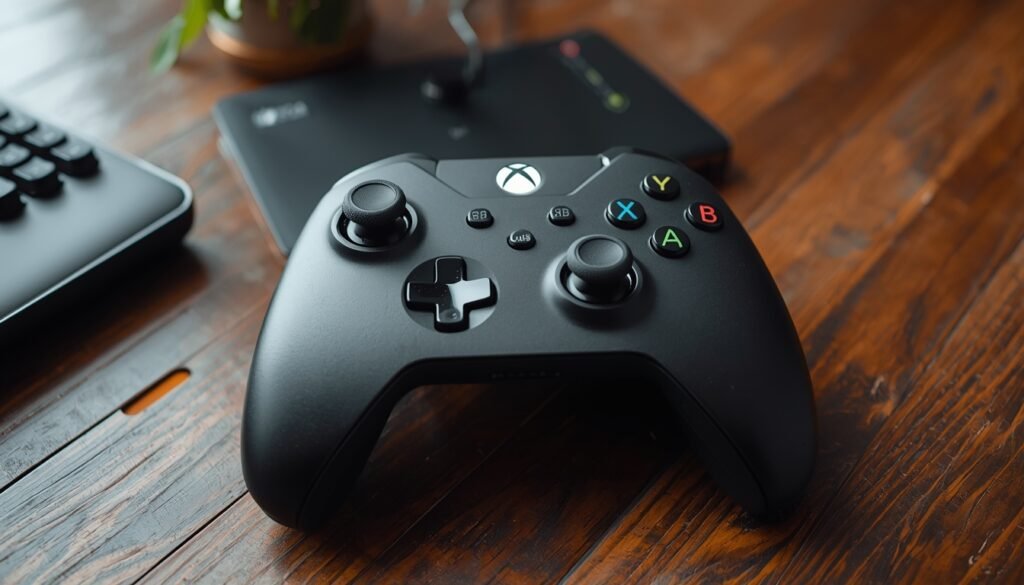
Battery Life and Charging Options
When using a wireless game controller, battery life becomes an important factor, especially if you play for long hours. A controller with poor battery can interrupt your game at the worst moments, so it’s something you shouldn’t ignore.
Most modern wireless game controller options come with rechargeable batteries, which can last anywhere from a few hours to several days depending on usage. Some controllers charge through USB cables, making it easy to plug in and continue playing if needed.
There are also controllers that use replaceable batteries. While this might seem old-fashioned, it can be useful because you can quickly swap batteries and keep playing without waiting for a recharge.
Another thing to consider is power-saving features. Many controllers automatically turn off after a period of inactivity, helping to extend battery life. This small feature makes a big difference over time.
In short, choosing a wireless game controller with good battery performance ensures uninterrupted gaming and a smoother overall experience.
Common Issues with Wireless Game Controllers
Even though a wireless game controller is convenient, it’s not completely free from issues. Knowing common problems can help you fix them quickly and avoid frustration during gaming.
One of the most common issues is connection drops or lag. Sometimes Bluetooth signals get interrupted, especially if there are too many wireless devices nearby. Using a USB receiver or staying closer to the PC can improve stability for your wireless game controller.
Another issue is battery problems. If the controller isn’t charged properly or the battery is weak, it may disconnect suddenly. Keeping your wireless game controller charged or having backup batteries can prevent this.
Some users also face compatibility issues. Not all games support controllers perfectly, so you may need to adjust settings or use additional software to make everything work smoothly.
Button responsiveness can also become a problem over time, especially with heavy use. Regular cleaning and careful handling can extend the life of your controller.
Overall, while a wireless game controller offers great convenience, being aware of these small issues helps you enjoy a smoother gaming experience.
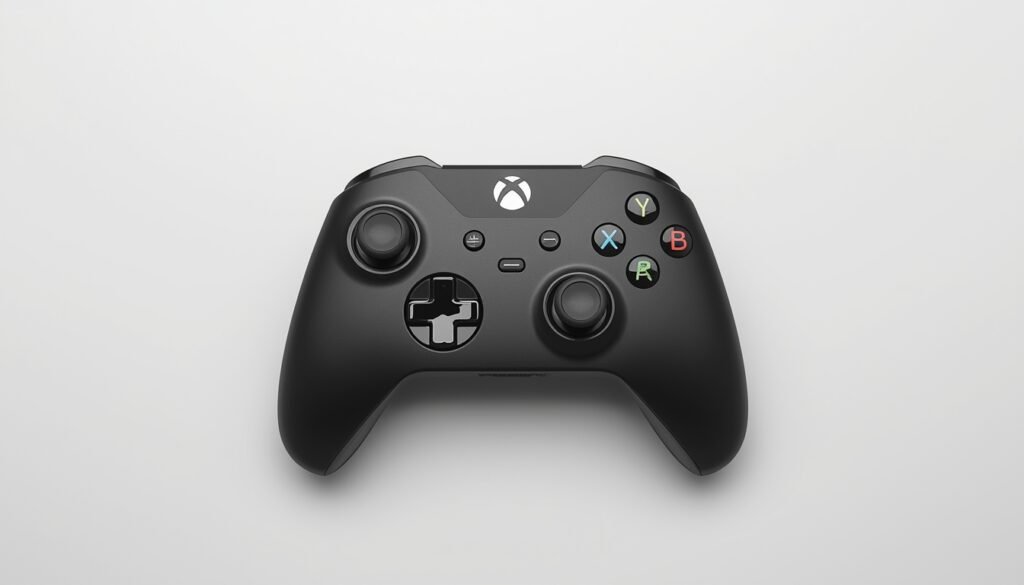
Tips to Choose the Best Wireless Game Controller
Choosing the right wireless game controller can make a big difference in your gaming experience. With so many options available, it’s important to focus on what actually matters instead of just picking the first one you see.
First, think about your gaming style. If you play action or racing games, look for a wireless game controller with responsive triggers and smooth analog sticks. For casual gaming, a basic controller can work just fine.
Next, check build quality and comfort. You’ll be holding the controller for long periods, so it should feel good in your hands. A solid grip and well-placed buttons can improve your control and reduce fatigue.
Compatibility is also important. Make sure the wireless game controller works smoothly with your PC and supports the games you play. Some controllers offer better plug-and-play support, which saves time.
Finally, consider your budget. Expensive doesn’t always mean better. Many mid-range controllers offer great performance without costing too much.
In the end, the best wireless game controller is the one that fits your needs, feels comfortable, and performs reliably.
Conclusion
Choosing the right wireless game controller can completely change your PC gaming experience. From better comfort to smoother controls, it offers a more relaxed and enjoyable way to play, especially for games that feel more natural on a controller.
With so many options available, it’s important to focus on what suits your needs — whether it’s battery life, connectivity, comfort, or performance. A good wireless game controller should feel easy to use, stay connected without issues, and last through long gaming sessions without interruptions.
At the same time, understanding common problems and knowing how to set up your controller properly helps you avoid unnecessary frustration. Small things like choosing the right type, checking compatibility, and maintaining the controller can make a big difference over time.
In the end, a wireless game controller is not just an accessory — it’s a tool that enhances how you play. With the right choice, you can enjoy a smoother, more flexible, and more immersive gaming experience every time you sit down to play.
Leave a Reply