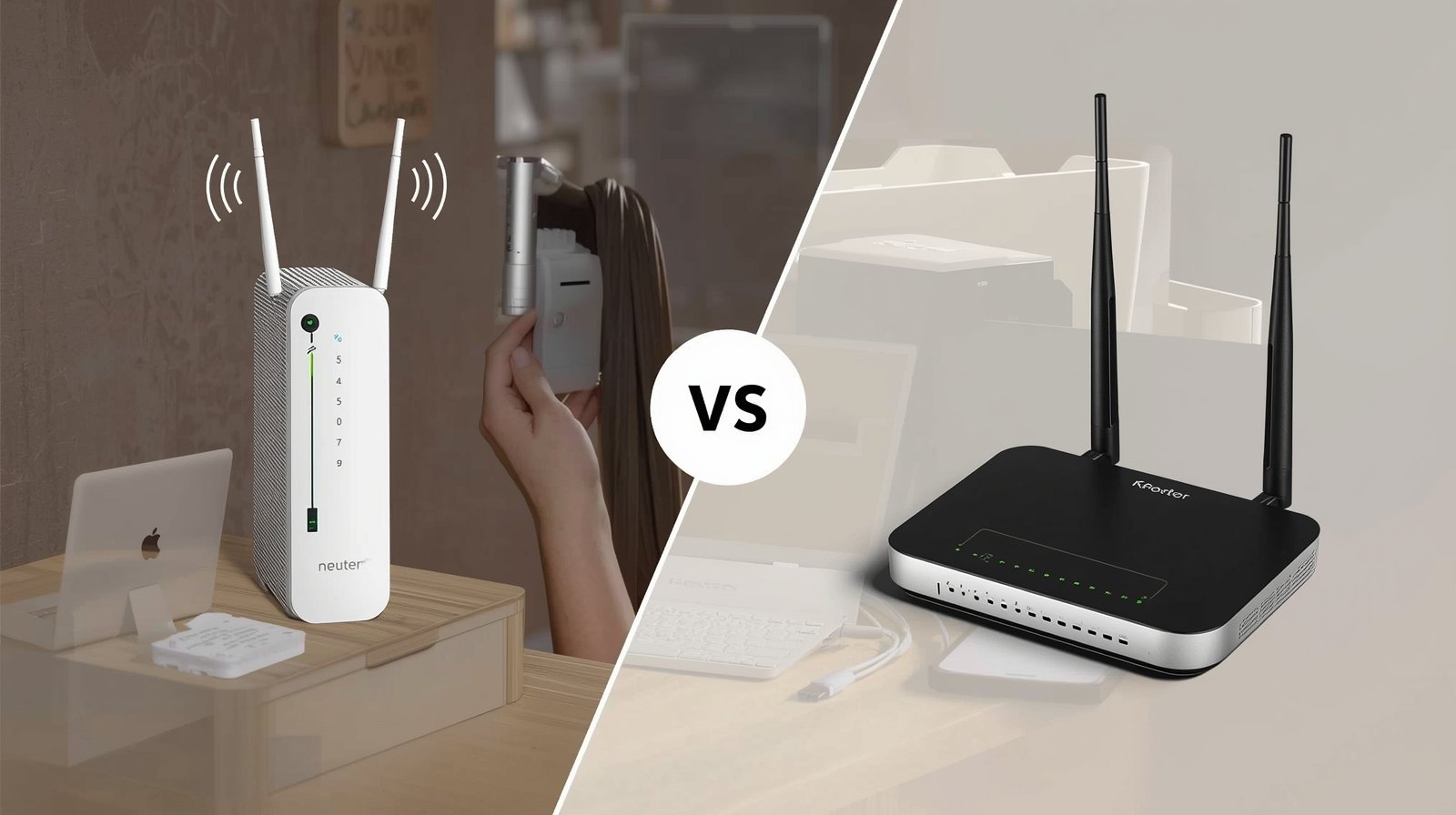
When people compare modem vs router, they often assume both devices do the same job, but that is not true. They work together, yet each one has a very different role in an internet setup. A modem is the device that brings internet service from your internet provider into your home. In simple words, it acts as the bridge between your ISP and your network. Without a modem, your home cannot receive the internet signal coming from the outside line. A router, on the other hand, takes that internet connection and distributes it to multiple devices such as phones, laptops, smart TVs, tablets, printers, and gaming consoles. This means the modem connects your home to the internet, while the router connects your devices to that internet. That is the main difference in the modem vs router discussion. Many people get confused because some setups use a single box that combines both functions, which makes it harder to understand what each part is doing. However, once the roles are separated clearly, the difference becomes much easier to understand. The modem handles internet access from the provider, and the router manages network sharing inside your home or office.
What Does a Modem Actually Do?
To understand modem vs router properly, it is important to look closely at the modem first. A modem is the device that receives the internet signal from your internet service provider and converts it into a form your home network can use. In other words, it is the first point where your internet connection enters your house. If your ISP sends internet through cable, fiber, or DSL, the modem is responsible for translating that signal so your devices can eventually go online. Without a modem, there is no direct connection between your home and the outside internet service. That is why the modem is often described as the gateway to the internet. However, a modem alone is usually not enough for the way most people use the internet today. If only one computer is directly connected to the modem, that one device may get internet access, but the rest of the home will not automatically enjoy a full wireless or multi-device network. This is where the router becomes necessary. In the modem vs router comparison, the modem’s job is not to spread Wi-Fi or manage all your gadgets. Its main responsibility is simply to establish and maintain the connection coming from your internet provider.
What Does a Router Actually Do?
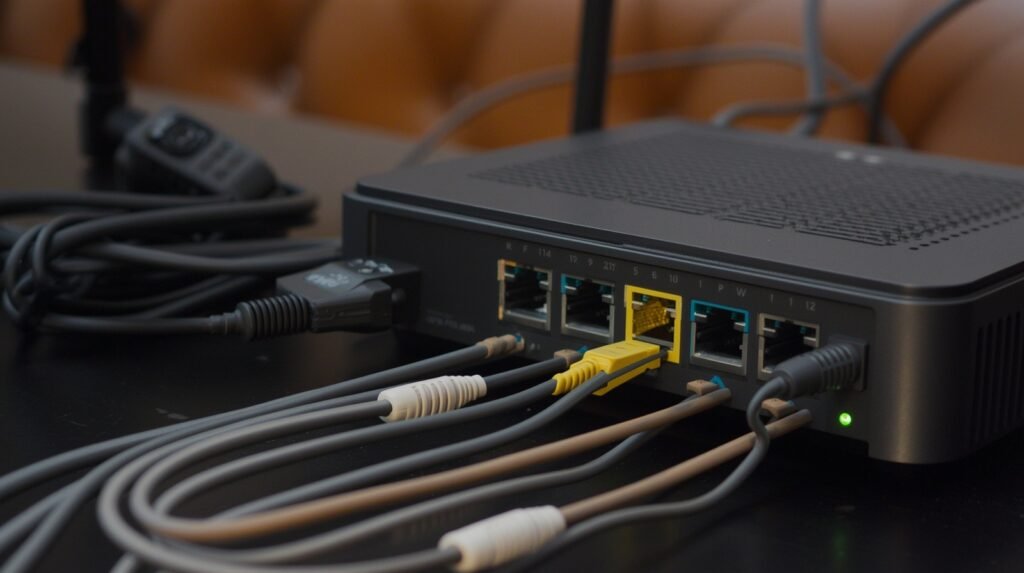
In the modem vs router comparison, the router is the device that takes the internet connection from the modem and shares it across all the devices in your home or office. This is the part of your setup that creates the local network and allows multiple devices to connect at the same time. A router can do this wirelessly through Wi-Fi and also through wired Ethernet ports. When people think about internet inside the house, especially wireless internet, they are usually thinking about the router. The router is what makes it possible for your phone, laptop, smart TV, tablet, and other devices to work together on the same internet connection. It also manages traffic between connected devices, making sure the right data goes to the right place. In many modern homes, the router does more than simple sharing. It may offer features like guest networks, parental controls, device prioritization, basic firewall protection, and stronger coverage options. That is why a router is not just a small add-on. It is a central part of your network experience. In the modem vs router discussion, the router’s role is to build and manage your internal network after the modem has already brought the internet into the home.
The Key Difference Between Modem and Router
The biggest point in the modem vs router discussion is understanding that the two devices have separate jobs. A modem connects your home to the outside internet service from your ISP, while a router takes that connection and spreads it across the devices inside your home. That is the clearest difference between them. If you imagine your internet setup like a system of roads, then the modem is the main entry point that brings the outside connection into your home, while the router acts like the traffic controller that directs that connection to different devices. Without a modem, there is no internet entering the house. Without a router, the internet may reach one device directly, but you will not have the smooth multi-device wireless network that most people expect today. This is why understanding modem vs router matters when choosing equipment, setting up a new connection, or solving problems. Many people blame the wrong device when something goes wrong. They may think the modem is failing when the Wi-Fi issue is actually related to the router. Once the difference is clear, troubleshooting becomes much easier and more logical.
Do You Need a Modem and a Router Together?
One of the most common questions in the modem vs router debate is whether both devices are needed together. In many homes, the answer is yes, because each device handles a different part of the internet process. The modem brings internet service from the provider into the home, and the router spreads that connection to your devices. If you want Wi-Fi for phones, laptops, tablets, smart TVs, and other gadgets, a router is usually necessary. If you want internet access from your ISP to reach your home at all, a modem is usually necessary too. However, the setup can look different depending on your equipment. Some internet providers give customers one device that combines both modem and router functions in the same box. This is often called a gateway or modem-router combo. It is convenient because it saves space and makes setup easier for many users. Still, separate devices often offer better flexibility and more control. If your Wi-Fi needs improve later, you can upgrade just the router without replacing the modem. That is why understanding modem vs router is useful even if both functions are built into one unit. The jobs remain separate, even when they live inside the same hardware.
Modem Router Combo vs Separate Devices
When comparing modem vs router, another important issue is whether you should use a combo device or keep the modem and router separate. A modem-router combo is one unit that handles both tasks. It connects your home to the internet and also shares that connection through Wi-Fi or Ethernet. Many people like this option because it is simple, takes up less space, and is easier to manage. Internet providers often offer combo devices because they make installation more straightforward. However, separate devices usually give better flexibility and stronger control. With a dedicated modem and a separate router, you can upgrade each part independently. For example, if your internet speed from the provider is fine but your Wi-Fi coverage is weak, you can replace only the router instead of the entire unit. Separate routers also often provide better features, wider coverage, stronger security settings, and more stable performance in homes with many connected devices. So the modem vs router decision is not only about function. It is also about convenience, performance, future upgrades, and how much control you want over your network. The better choice depends on your budget, home size, and internet needs.
Which Device Is Responsible for Wi-Fi?
In the modem vs router comparison, one of the most common misunderstandings is about Wi-Fi. Many people assume the modem creates wireless internet inside the home, but in most setups, that job belongs to the router. The modem receives the internet connection from your service provider, while the router is the device that sends that connection to your phones, laptops, tablets, smart TVs, and other wireless devices. This means that if your Wi-Fi signal is weak in certain rooms, the problem is usually related to the router, its placement, or its range, not the modem itself. In a combo device, both functions are inside the same box, which is why people often get confused. But even in that case, the Wi-Fi function still comes from the router side of the device. This is an important part of understanding modem vs router because it helps when internet problems appear. If the internet is coming into the home but the wireless signal is poor, the router is usually the first place to investigate. Knowing which device controls Wi-Fi can save time, reduce confusion, and help you make smarter upgrade decisions when you want better speed, stronger coverage, or a more stable connection.
Which One Should You Upgrade First?
In the modem vs router discussion, many people also want to know which device should be upgraded first when the internet feels slow, outdated, or unstable. The answer depends on where the actual problem is. If your internet plan has been upgraded by your provider but your modem is too old to support those speeds, then the modem may need to be replaced first. This is especially important if the modem no longer supports modern connection standards or is no longer compatible with your ISP’s service. On the other hand, if your internet speed entering the house is already fine but your Wi-Fi feels weak, drops in certain rooms, or struggles when many devices are active, then the router is usually the better device to upgrade first. In many homes, the router becomes the main bottleneck because today’s families use multiple streaming devices, video calls, online games, and smart home products all at once. That is why understanding modem vs router is so helpful when planning upgrades. The modem affects how internet enters your home, while the router affects how that connection performs across your network. Upgrading the wrong device may cost money without fixing the real issue.
Common Problems People Face With Modem vs Router
Many people become confused during internet problems because they do not know whether the modem or the router is responsible. This confusion is one of the biggest reasons the modem vs router topic matters so much. For example, if the internet is completely down and no device can connect at all, the issue may be with the modem, the ISP line, or the incoming signal itself. But if the internet works on some devices and fails on others, or if Wi-Fi becomes weak in certain rooms, then the router is often the more likely cause. Another common mistake is restarting the wrong device. Some people reboot the router repeatedly when the modem is actually the one that has lost its connection to the provider. In other cases, the modem may be perfectly fine, but an outdated router cannot handle modern internet demands such as streaming, gaming, video calls, and multiple connected devices at the same time. This is why understanding modem vs router helps so much with troubleshooting. Once you know that the modem handles the outside internet connection and the router manages the internal network, it becomes much easier to identify where the real problem is. That simple understanding can save time, reduce frustration, and make home network issues easier to solve.
Is a Modem Necessary if You Already Have a Router?
In the modem vs router comparison, another common question is whether a modem is still needed if you already own a router. In most standard home internet setups, the answer is yes. A router cannot create an internet connection on its own. It is designed to distribute an existing connection, not bring that connection into your home from the provider. That job belongs to the modem. Without a modem, the router usually has nothing to share unless your provider uses a special direct Ethernet handoff or another uncommon setup where modem functionality is handled elsewhere. In a normal cable, DSL, or similar home internet service, the modem acts as the bridge between your ISP and your home network. The router then takes that connection and shares it across multiple devices. This is one of the most important lessons in understanding modem vs router, because many people buy a new router expecting it to fix every internet issue, only to realize later that the real problem is related to the modem or the ISP line. So while the router is often the more visible device because of Wi-Fi, the modem remains essential in most cases. Without it, the router may power on, but it usually cannot provide actual internet access.
Final Thoughts on Modem vs Router
The modem vs router comparison becomes much simpler once you understand the role of each device. A modem is responsible for bringing the internet connection from your provider into your home, while a router is responsible for sharing that connection across your devices through Wi-Fi or Ethernet. Both are important, but they do not perform the same function. If there is no internet entering the house, the modem or ISP connection may be the problem. If the internet is available but your devices are struggling to connect properly, the router is often the area to check. That is why knowing the difference matters so much for setup, troubleshooting, and upgrades. Many people waste time and money because they are not sure which device is doing what. Once that confusion is removed, it becomes easier to choose the right equipment, improve coverage, and fix internet issues faster. Whether you use separate devices or a combined modem-router unit, the main idea remains the same. One device connects you to the outside internet, and the other manages that connection inside your home. That is the real answer to modem vs router, and understanding it helps you build a faster, more stable, and more efficient home network.
Leave a Reply